How does RefScale measure from a photo?
+
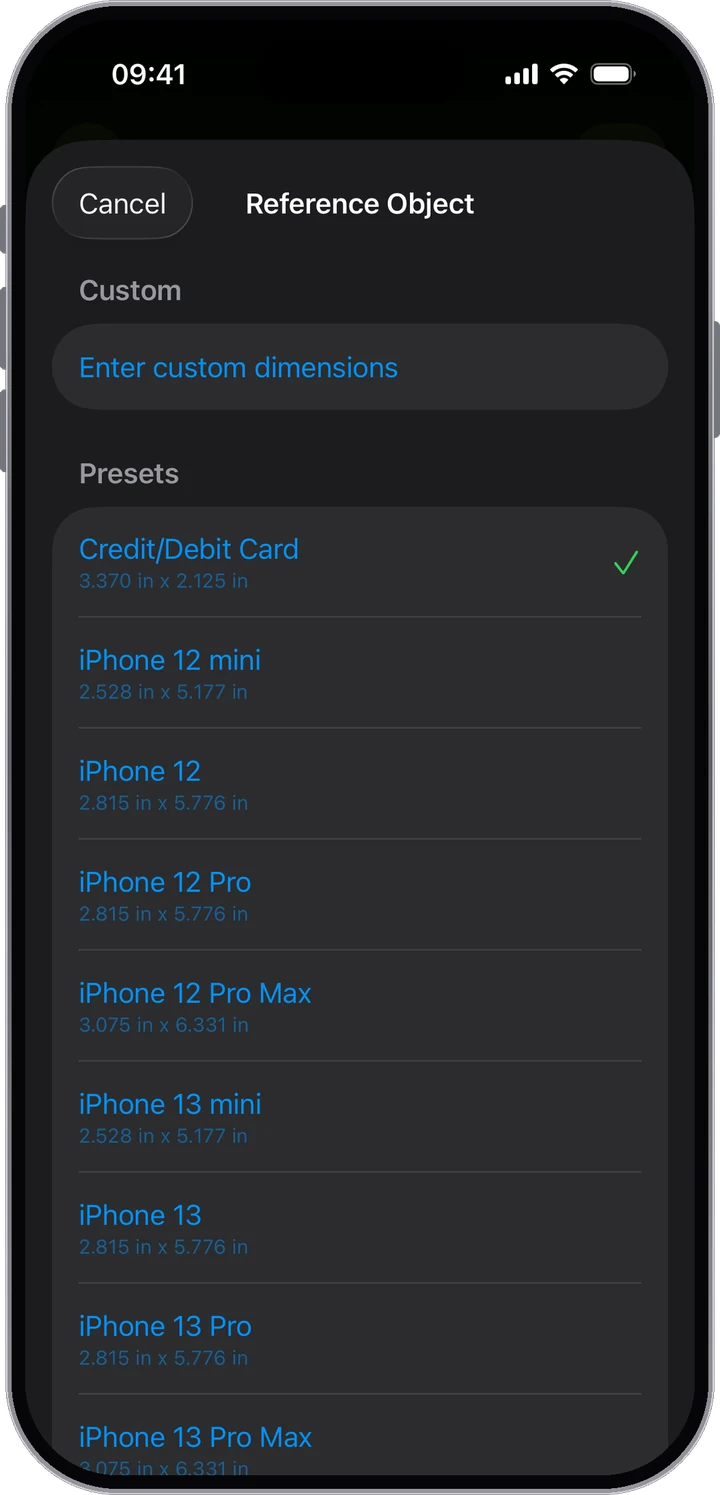
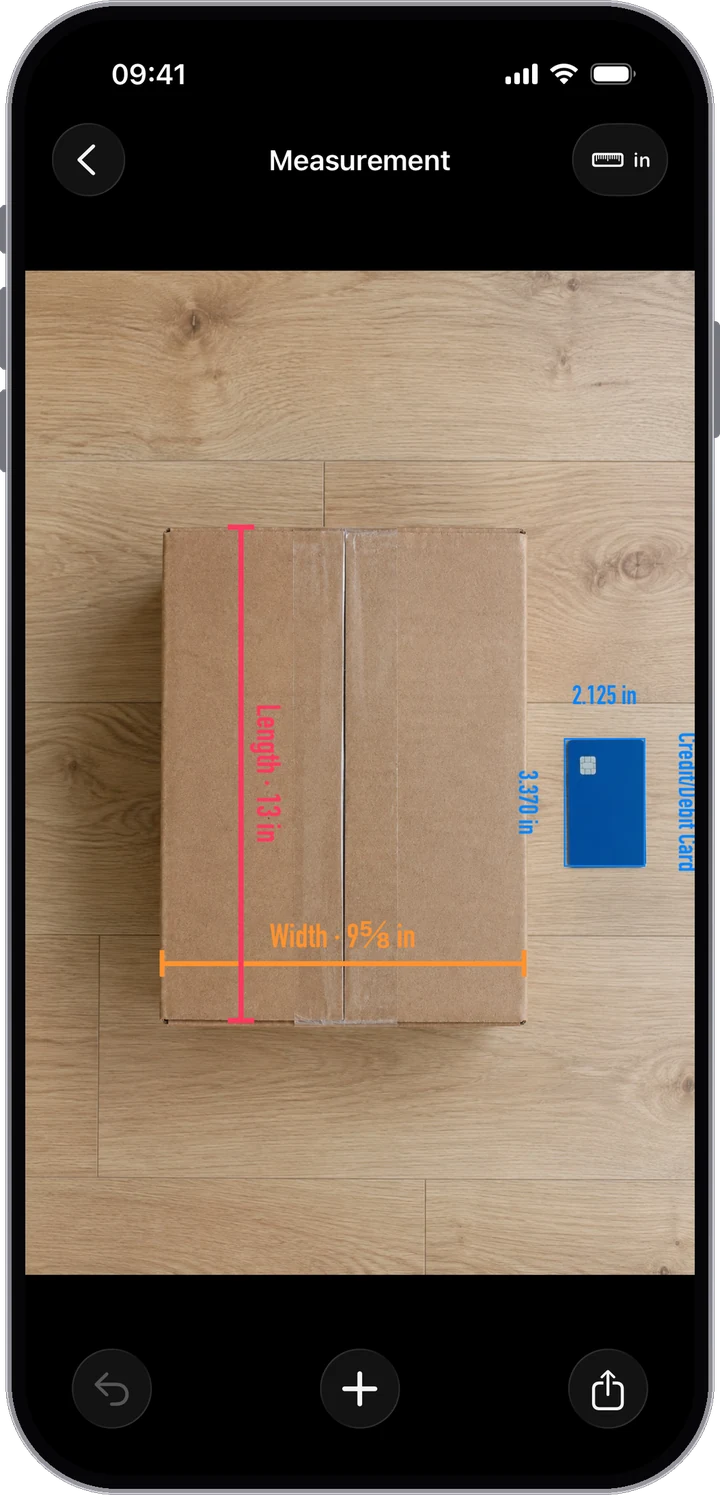
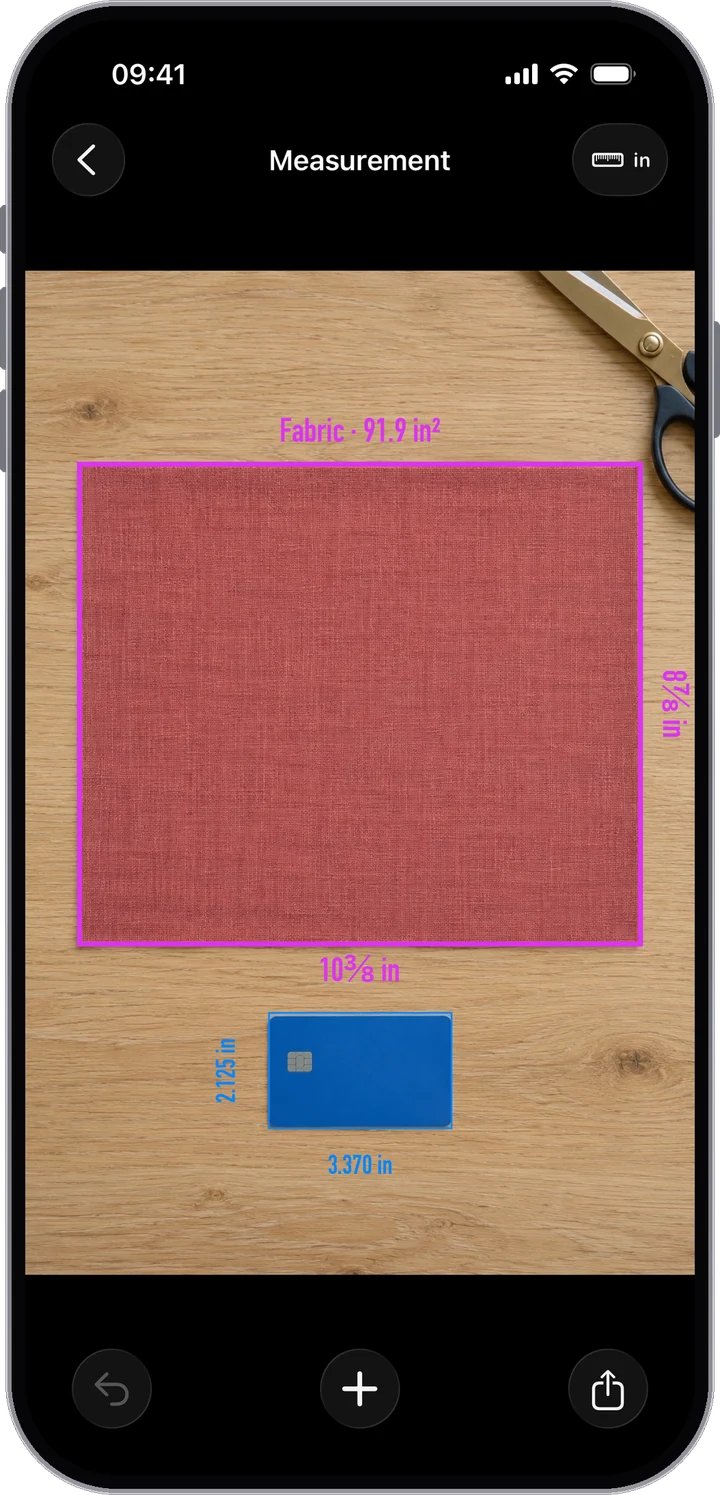
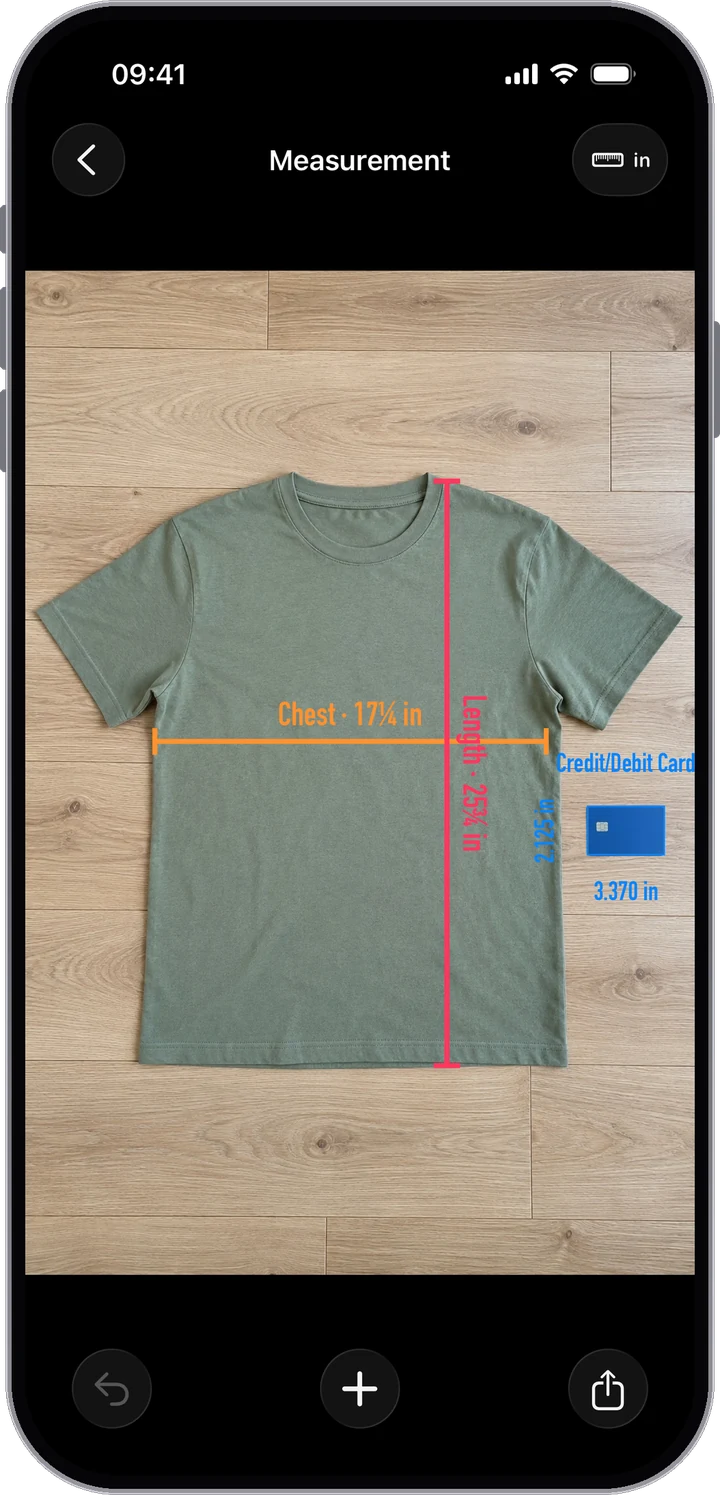
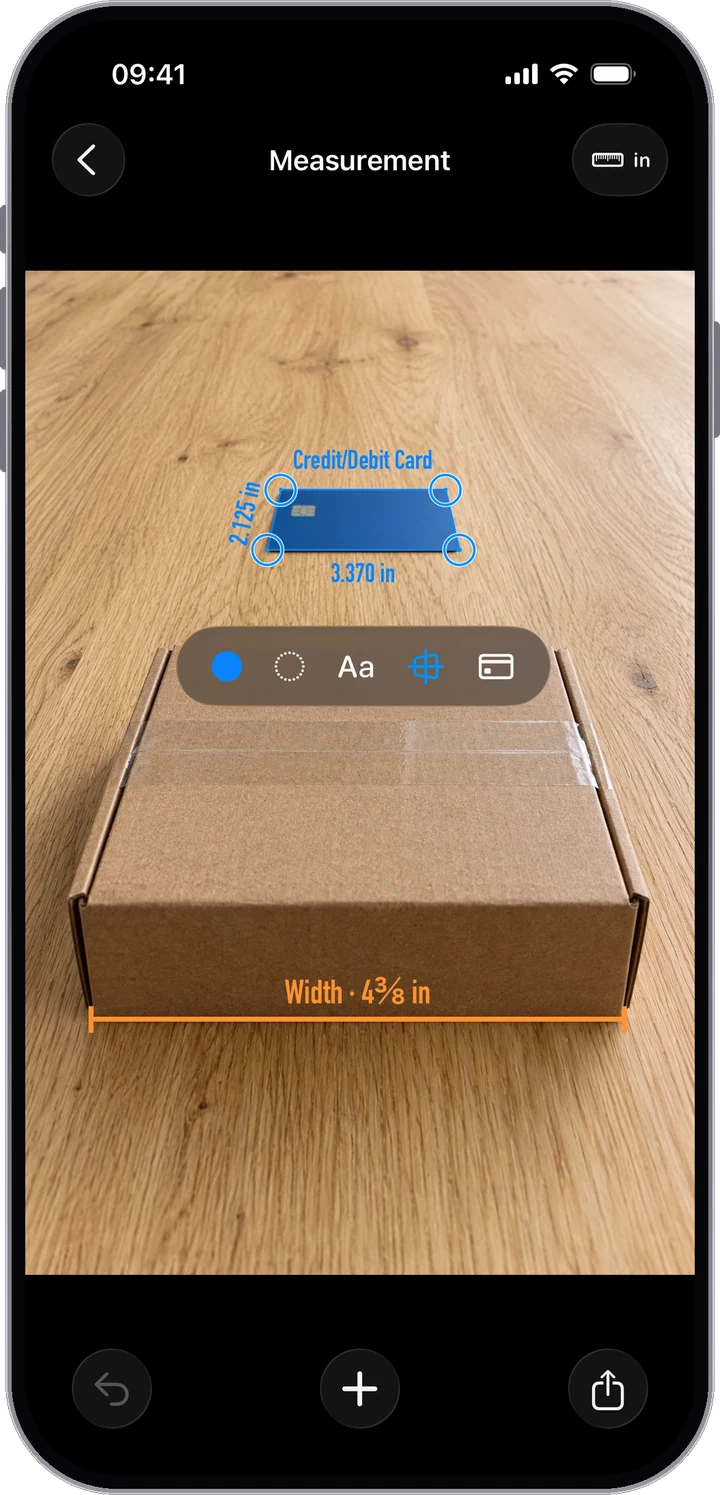
You include an object of known size in the photo, such as a credit card (85.60 × 53.98 mm) or a supported iPhone model. RefScale uses that reference to set the scale, then converts every line you draw into a length and every rectangle into its sides and area.
How accurate is RefScale?
+
Measurements are estimates, and the result depends on the photo and on where you place the points. It helps to keep the reference next to the object on the same flat surface, take the photo straight on (or mark the reference by its 4 corners), and zoom in to place points.
Is RefScale a subscription?
+
No. You can try RefScale with 1 free measurement. To measure without limits, unlock Pro Lifetime with a single one-time purchase — there is no monthly or yearly fee.
Do I need LiDAR or AR?
+
No. RefScale works from a normal photo, so it runs on any iPhone with iOS 18.6 or later. Choose any photo from your library — including ones taken earlier — or paste an image from the clipboard.
What can I use as a reference object?
+
Any object with known dimensions: a payment card, a supported iPhone model, or a custom reference size you enter yourself. You can save custom references to reuse them.
What can I measure?
+
Lengths with a line and areas with a rectangle: parcels, fabric, clothes, furniture, prints, rugs, and everyday items. Things lying on the same flat surface as the reference work best.
Can I measure a photo taken at an angle?
+
Yes. Instead of a frame, place a point on each of the reference's 4 corners. RefScale then takes the angle into account for things on the same flat surface as the reference.
Do my photos get uploaded?
+
No. Measuring happens on your iPhone and your photos stay on your device. RefScale does not require an account or sign-in.
What units does RefScale support?
+
Millimeters, centimeters, inches, and feet/inches. Switch units at any time — every measurement on the photo updates instantly.
Can I share or export the result?
+
Yes. Share the annotated photo with every label to Messages, Mail, or any app that accepts images. Free shares carry a small RefScale watermark; Pro adds full-resolution exports without it and a PDF report.